08 — Presentations
Our 2025/26 pre-built PowerPoint template uses a specific set of backgrounds, layouts, typefaces and motifs. This section documents exactly how they work.
The Template in Action
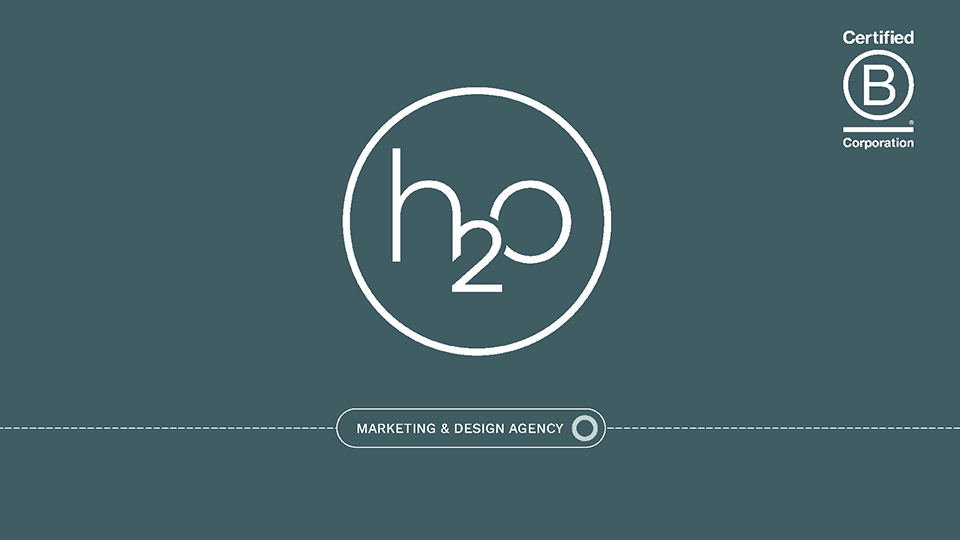
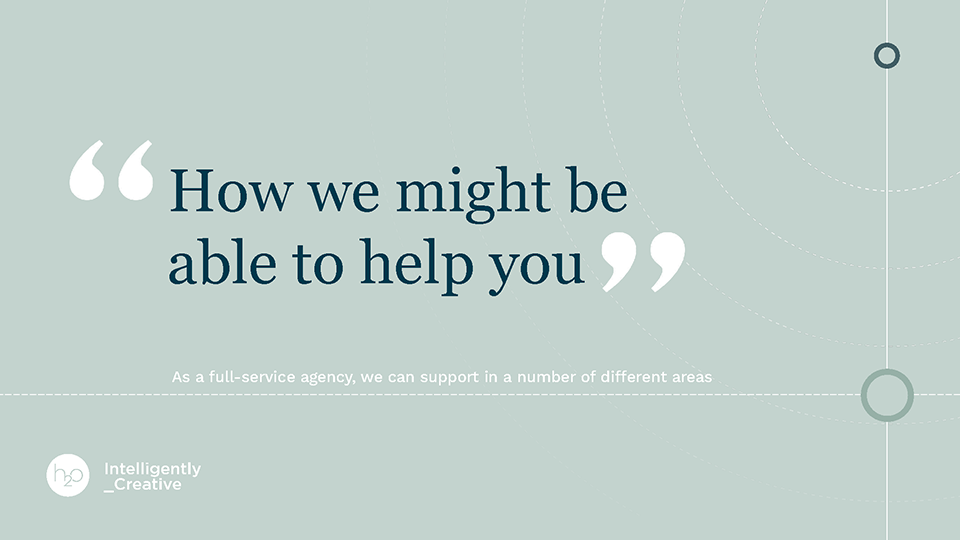
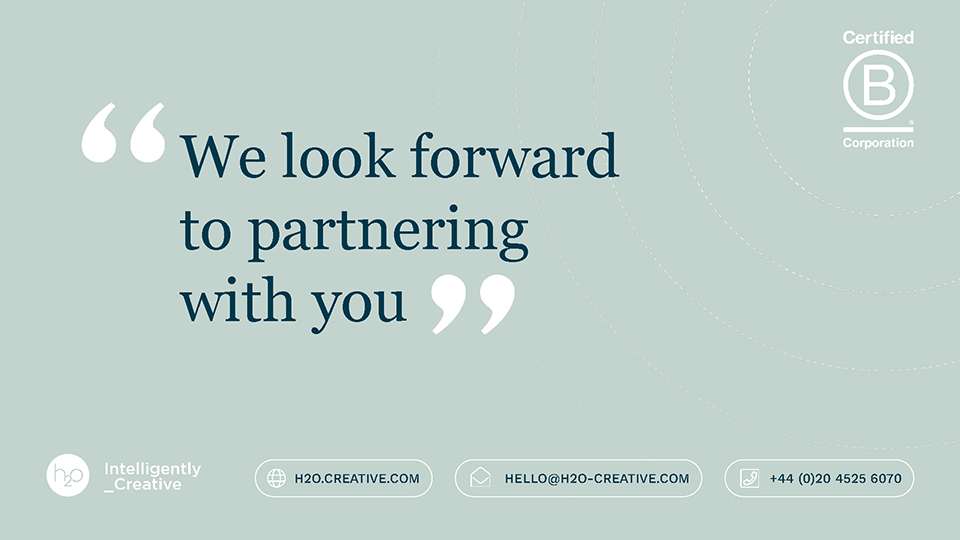
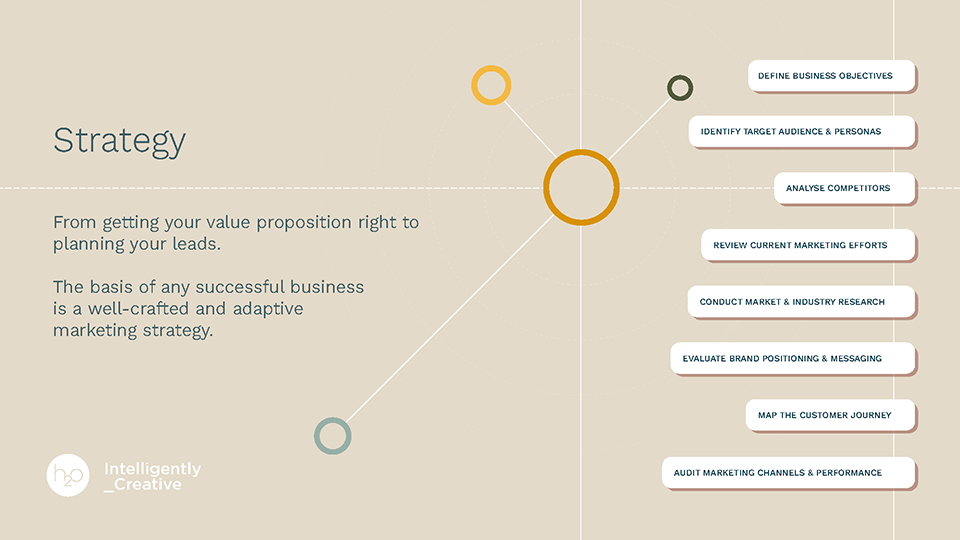
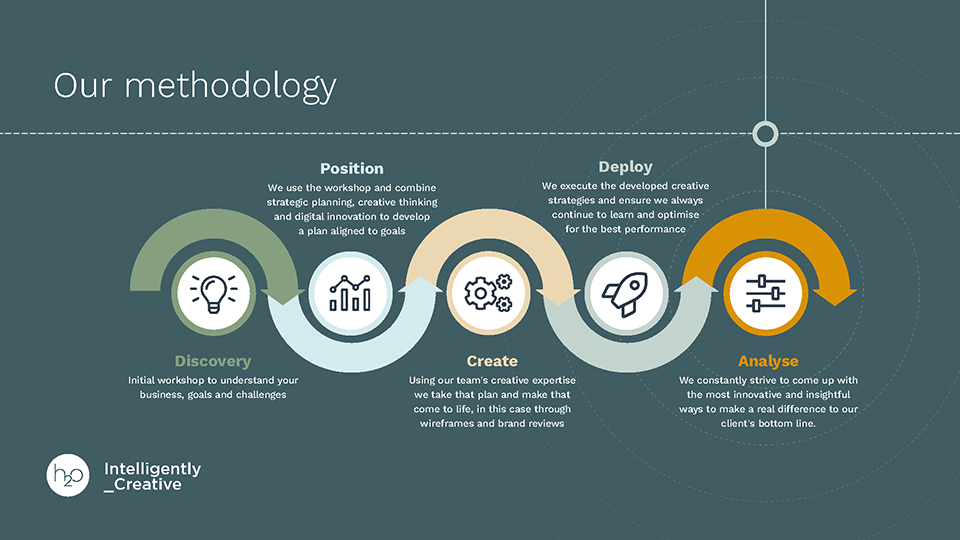
Eight real slides taken directly from the 2025/26 pre-built template. Each represents a distinct slide type — cover, statement, content, strategy, case study, grid, process and close. Together they define the full visual range of the system.
Backgrounds
The template uses five background colours, each with a defined role. Mixing them outside these rules breaks the deck's internal rhythm and weakens contrast between section types.
Cover slide and dark process or methodology slides. The deepest, most authoritative ground. White text and pale Sage-Teal circle motifs only on this ground.
Statement slides, section dividers and testimonials. Use once per section for contrast. Deep Teal text sits on top. Large Georgia type only on this ground.
The primary content slide background. The majority of slides in any deck use Sand. Warm, neutral and versatile — works with all text colours and image types.
Dense icon grid slides: promises boards, capability overviews, feature lists. White card fills provide high contrast against this mid-green ground.
Not a slide background. This is the primary text colour on all light-ground slides (Sand and Sage-Teal). Replaces black in all headings and body copy throughout the deck.
Typography
Kantumruy Pro drives all display headings. Kantumruy Pro handles body copy, labels and UI text. Georgia is used exclusively for large-scale statement text on Sage-Teal slides. No other typefaces should be introduced into the template.
Colour Palette
The palette runs from five deep core colours through five mid-tones to five light tints. Combine them across backgrounds, typography, nodes and arcs to create variety while staying on-brand. The tints are used for arc fills and card backgrounds — never as primary slide grounds.
Core
Mid-tones
Light tints
Brand Motifs
Every slide carries the same vocabulary of visual motifs. These are structural, not decorative — they link the orbital language of the h2o logo directly into the slide layout system.
Large unfilled circle rings positioned in the margins and corners of every slide. They echo the h2o logo form at scale. Used in Olive, Teal, Sage and Honey. Never filled solid.
Horizontal dashed lines divide the slide into upper content and lower footer zones. Also used as orbit path lines on process and strategy slides, connecting nodes across the layout.
Small solid or open circles at key positions — corners, near headings, at data points. Gold nodes mark primary accent or active states. Olive and Sage nodes provide supporting accent. Always two or three per slide, never one alone.
Rules
These rules are drawn directly from how the pre-built template is structured. Following them ensures every client-facing deck is consistent with the h2o visual system.
The 2025/26 h2o pre-built PowerPoint template contains all layouts, fonts, colour swatches and motif assets pre-configured. Always work from the latest version.